Prize Wheel Welcome Offer
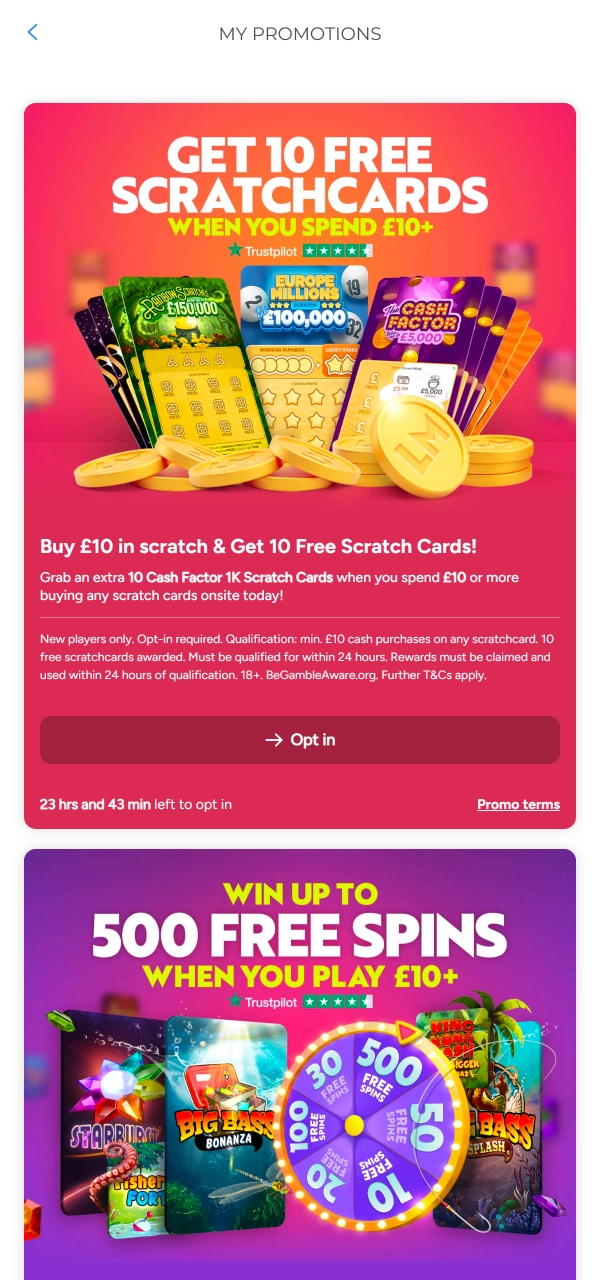
Available after slot play with £10 cash stakes. A single spin may grant free spins, up to 500. Free spins require a claim within 4 days and use within 24 hours. Winnings credit as cash. One claim per account.

The LottoMart mobile app provides access to slots, live casino games, lotto betting, and scratch cards from a single account. The platform operates under UK and Gibraltar regulations and supports trusted payment systems for deposits and withdrawals. New accounts can join the Prize Wheel bonus with free spins after qualifying play. The Android version installs via APK, while iOS access runs through the App Store. Install the app to register or log in and start playing.
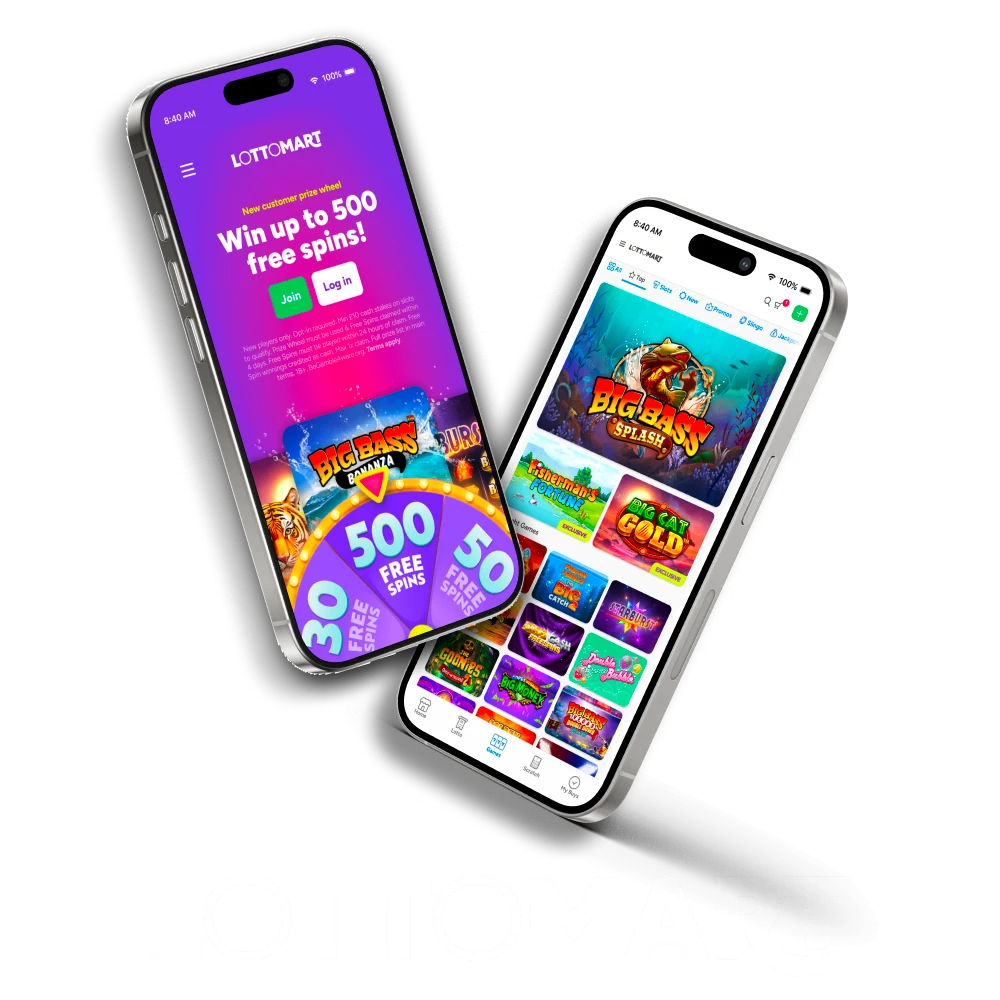
Below is a summary of the LottoMart betting app, focused on access, licensing, device support, and key account functions.
| Parameter | Details |
|---|---|
| License | UK Gambling Commission (Account 51833), Gibraltar Gambling Commissioner (RGL 109 & 110) |
| Developer | Maple International Ventures Limited |
| Supported OS | Android, iOS |
| Latest Version | Current stable release |
| Release Date | 2025 |
| Total Downloads | 100,000+ |
| Cost of Downloads | Free |
| Installation Source (Webpage) | Official LottoMart website |
| Languages | English |
| Supported Countries | United Kingdom |
| Welcome Bonus | Prize Wheel up to 500 free spins |
| Customer Support | Email support and Live Chat |
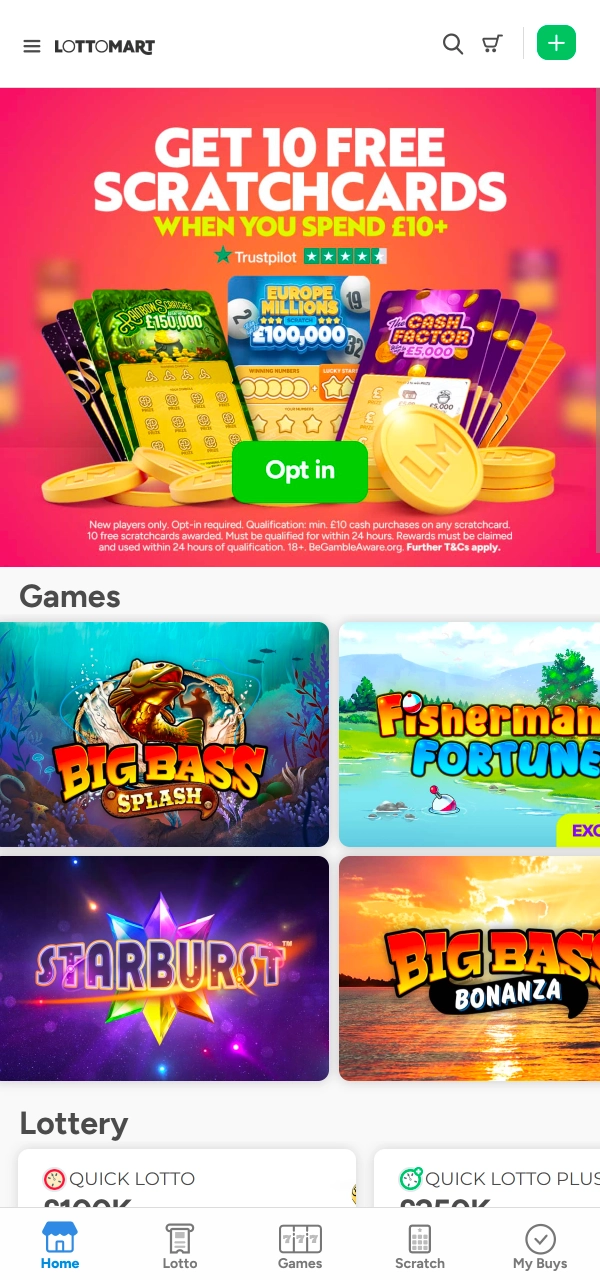
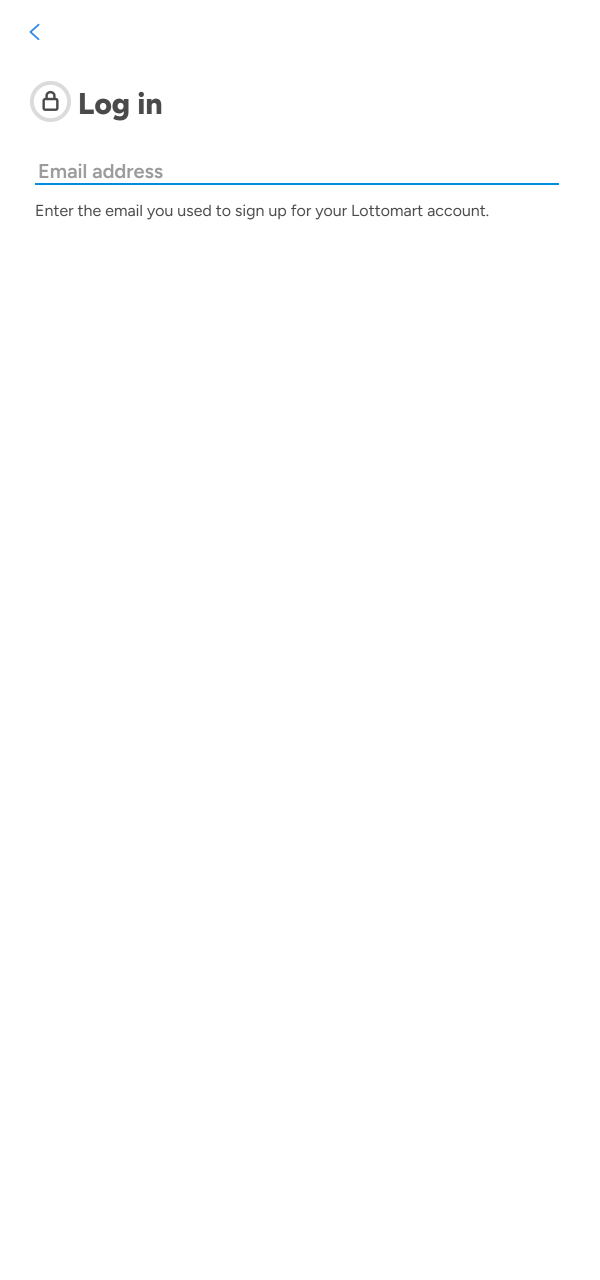
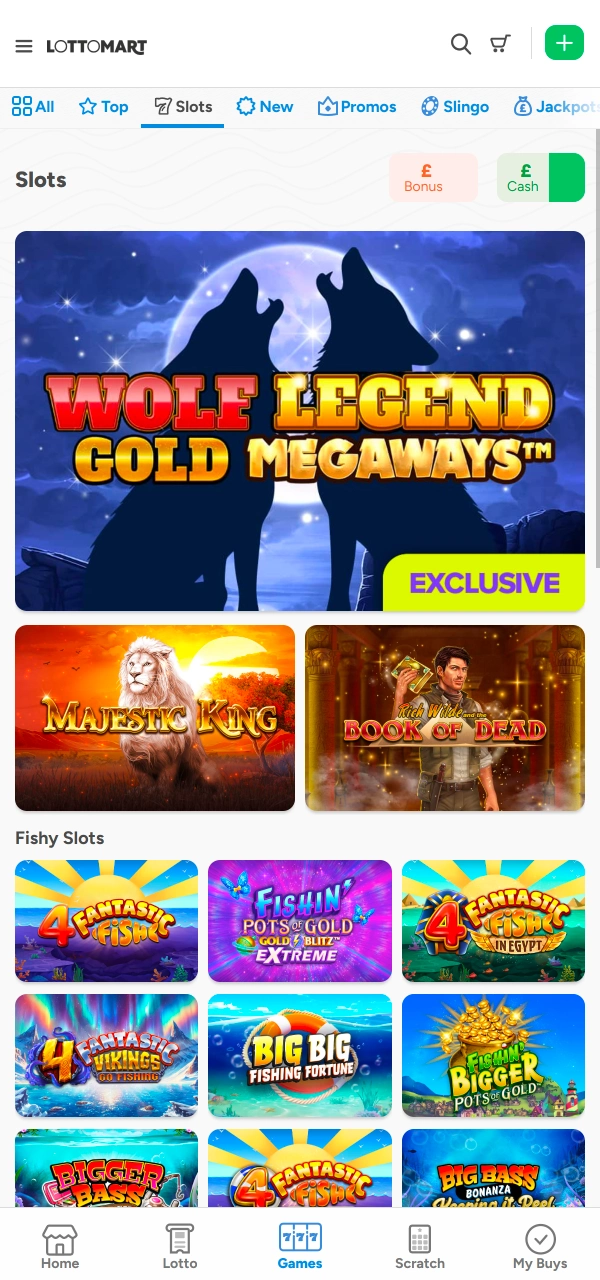
The LottoMart app includes useful features for daily play, while a few limits still exist depending on device type.
Pros
Cons
After installing the LottoMart app and completing registration, new accounts can access bonus options linked to slots and scratch cards. Each bonus follows fixed entry rules, time limits, and usage conditions, which appear before activation inside the app.
Available after slot play with £10 cash stakes. A single spin may grant free spins, up to 500. Free spins require a claim within 4 days and use within 24 hours. Winnings credit as cash. One claim per account.
Activated after a first scratch card purchase from £2. Grants 10 Cash Factor £5,000 cards and 10 free spins on Big Bass Bonanza. Free spins win credit as cash. One-time bonus for new accounts only.
App users can unlock the Prize Wheel after opting in. Slot play qualifies the spin, with fixed limits and defined claim periods shown before use.
A qualifying scratch purchase unlocks extra cards and free spins. Bonus content credits instantly, with clear value and usage rules listed in advance.
The LottoMart mobile app brings full platform access to handheld devices with tools designed for regular and controlled play.
The Android application uses a direct APK file and provides full access to games, payments, and account tools without relying on external app stores.
Below is a summary of the main technical details for the Android APK version, including system requirements and file information needed before installation.
| Parameter | Details |
|---|---|
| App Title | LottoMart |
| Release Date | 2025 |
| APK File Size | About 45 MB |
| App Size | About 110 MB after install |
| Android Version | Android 8.0 or higher |
| Memory | Free internal storage required |
| RAM | Minimum 2 GB |
| Processor | Quad-core CPU or higher |
The LottoMart APK version works on many Android phones and tablets that meet the basic system requirements listed above.
Android users can download the LottoMart APK from the website, inside the App section. A link usually sits in the left menu under “Get app for Android”. If a Play Store version appears in the region, the Play Store page can also point to the correct app.
Use Chrome or another trusted mobile browser, then open the official LottoMart website. From the main screen, open the left menu and locate the App section. A “Get app for Android” button leads to the LottoMart app download page with the latest file.
On the Android app page, check the version notes and basic requirements, then tap the APK link. The phone will show a browser prompt for file save. Confirm the action, then wait until the APK file appears in the notification bar.
Android blocks APK installs by default. Open Settings from the prompt, then enable “Allow from this source” for the browser used (for example, Chrome). Return to the APK file screen, open the saved file again, and keep the permission active only if needed.
Open the completed APK file from Notifications or the Downloads folder. Review the install screen, then tap Install and wait for completion. After installation, open the app and check the first launch screen, then move to login or account setup.
After the first launch, verify that the app icon and name match LottoMart, then check the Help or Support section for official contacts. If the phone shows warnings, stop the install and use only the official site link. Keep Android security updates active
The iOS version of the LottoMart app runs through the Apple App Store and provides access to games, payments, and account tools on supported Apple devices.
Before installation, it helps to review the basic technical requirements to confirm that the app runs correctly on an iPhone or iPad.
| Parameter | Details |
|---|---|
| App Title | LottoMart |
| Storage Space | About 120 MB of free space |
| iOS Version | iOS 13.0 or later |
| Memory | Free internal storage required |
| RAM | Minimum 2 GB |
| Processor | Apple A9 chip or newer |
The iOS app works on many Apple devices that meet the listed system and version requirements.
Devices not listed here can still run the app if they meet the required iOS version, hardware level, and available storage conditions.
iOS users can find the official LottoMart app link directly on the LottoMart website. The link usually appears in the App section and redirects to the Apple App Store. Safari works best for opening the site and confirming the correct App Store page before installation.
Launch Safari on the iPhone or iPad, then visit the official LottoMart website. Open the menu on the left side and select the App section. Look for the button marked “Get app for iOS,” which leads directly to the App Store listing.
After tapping the iOS app button, Safari redirects to the Apple App Store. Check the app name, logo, and developer details to confirm authenticity. Review basic information, such as screenshots and version notes, before moving forward with installation.
Tap the Get button on the App Store page. Face ID, Touch ID, or Apple ID password confirmation may be required. Wait until the download completes and the app icon appears on the home screen.
Tap the LottoMart icon once the download finishes. Allow any required permissions shown during the first launch. After loading, proceed to log in or create an account directly inside the app.
Open the account or settings area to confirm that the app functions work correctly. Notifications and login options can be adjusted later. If issues appear, return to the App Store page or contact support through the app.
Installing the LottoMart APK on an Android device takes only a few minutes and does not require Google Play Store access.
The latest LottoMart app version supports stable access, updated security rules, and current account features. New releases may adjust payments, limits, or system compatibility, so regular updates help avoid errors and access issues.
Android updates require the removal of the older APK. Open device settings, uninstall the current LottoMart app, then visit the official LottoMart website and download the newest APK file. Install the file through the browser prompt and confirm permissions when asked.
iOS updates appear through the App Store. Open the App Store, search for LottoMart, and tap the update button if a new version appears.
The newest version keeps all tools active and reliable.
Account registration inside the LottoMart mobile app follows the same flow as the desktop site and takes only a few minutes. The process asks for contact details, personal information, and limit confirmation before full access becomes active. All steps appear clearly on screen and can be completed without leaving the app.
The mobile version of the LottoMart website mirrors the desktop layout while adapting menus and content for smaller screens. Navigation remains clear, with quick access to slots, live casino games, lotto betting, scratch cards, and account tools through a side menu. Pages load efficiently in standard mobile browsers, including Chrome and Safari, without extra installation steps. Game pages, payment sections, and support areas stay accessible, allowing account actions, deposits, and gameplay from one interface.
Both options give access to games and account tools, with differences linked to installation and device features.
| Feature | LottoMart Mobile App | LottoMart Mobile Website |
|---|---|---|
| Access method | Installed directly on the device | Opened through a mobile browser |
| Login options | Biometric login supported | Email and password only |
| Notifications | Push alerts available | No push notifications |
| Performance | Uses app-based resources | Depends on browser speed |
| Updates | App Store or APK update | Updates applied automatically |
| Storage use | Requires device storage | No storage required |
| Offline support | Limited cached data | Internet connection required |
| Device integration | Better system integration | Limited device integration |
The app works better for frequent use, while the website provides quick access without installation.
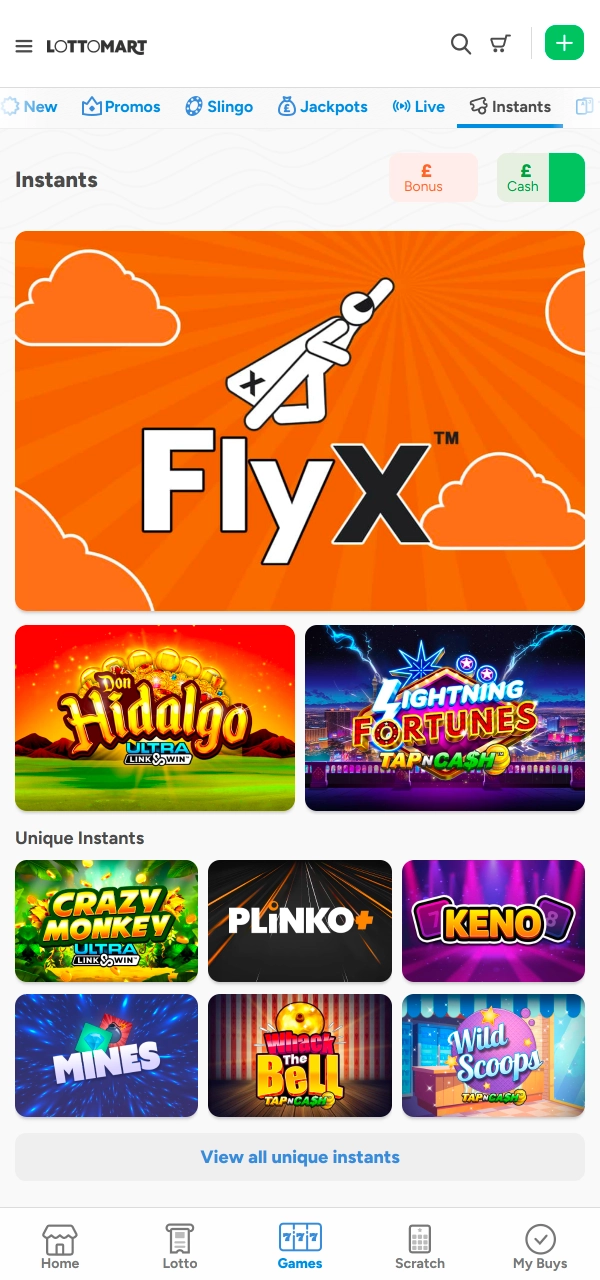
The casino area inside the LottoMart app brings all game formats into one organised space. The casino section groups digital games, live tables, and lottery products under clear categories. Navigation stays consistent across devices, with filters that help reach specific game types quickly. Each category opens a dedicated list with titles from licensed studios, clear rules, and visible game details. Switching between instant games, live tables, and number-based betting takes only a few taps inside the app menu. Available casino sections include:
The LottoMart mobile app includes built-in deposit and withdrawal tools inside the account area. Payment limits appear before confirmation, which helps plan transfers in advance. UK users can choose familiar methods with defined ranges. Visa and Mastercard support transfers from £10 to £5,000. PayPal works between £10 and £3,000. Skrill and Neteller allow £10 to £4,000. Paysafecard accepts £10 to £250. Bank transfers run from £20 to £10,000. Withdrawal limits depend on the selected method and account checks, with requests reviewed before release.
Deposits start from the balance area inside the mobile app and follow a short confirmation flow.:
Funds reach the balance once the payment clears, which often happens quickly.
Withdrawals use the same balance area and require verified details.
Processing time depends on the method used and the account verification status.
Support access is available directly inside the LottoMart mobile app and works throughout the week. Contact options appear in the Support section and cover both quick questions and detailed requests related to account use.
The app provides access to slot titles, live dealer tables, lottery betting, scratch cards, jackpots, and classic table games. All sections mirror the main platform and stay available after login.
Payments run through the account balance area inside the app. Deposits and withdrawals support popular UK payment methods, show limits before confirmation, and require completed account verification.
The app operates under UK and Gibraltar regulations and uses encrypted connections for account access and payments. Login protection, optional biometrics, and account controls support safe usage.
Yes, support access remains available inside the app through live chat and email. Assistance covers payments, account access, verification, bonuses, and technical questions at any time.
Updated: